


Mockups serve a pivotal function in the UI/UX design journey. They provide a realistic visual preview of a digital interface, ensuring that concepts evolve smoothly before entering the development phase. This piece will shed light on the influence of well-executed mockups, the advantages they provide, and why mastering them is key to flourishing in UI/UX design.
What Are Mockups in UI/UX Design?
Mockups in UI/UX design are high-fidelity visual depictions of a product’s interface. They give designers a chance to portray the look and feel of a product by emphasizing its layout, color palette, fonts, and images. Unlike wireframes or prototypes, mockups are static, non-interactive visuals that concentrate purely on aesthetics.
Distinguishing Wireframes, Mockups, and Prototypes
It’s vital to distinguish between wireframes, mockups, and prototypes. Wireframes are basic, low-fidelity layouts that outline structure. Prototypes are interactive models that allow user interaction. Mockups, on the other hand, represent high-fidelity visuals with a focus on appearance, though they lack functionality. By bridging wireframes and prototypes, mockups ensure designers visualize the end product accurately.
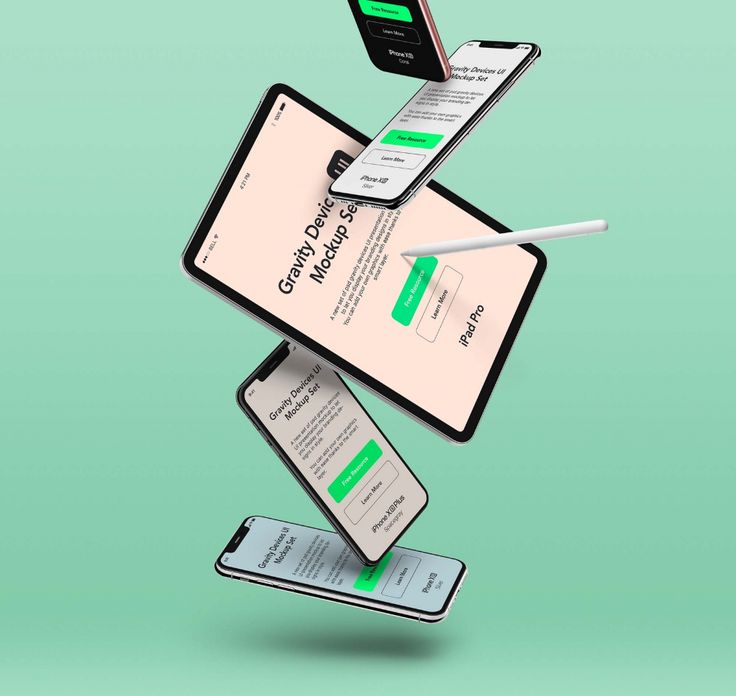
UI Responsive Devices Mockup_©unblast.com
Why Mockups Are Essential for UI/UX Design Success
1. Improves Communication with Stakeholders
Mockups act as an effective medium for conveying design ideas to stakeholders. By offering a concrete visual presentation, designers make it easier for stakeholders to comprehend how the product will ultimately look. A well-developed mockup closes the gap between creative concepts and business expectations, ensuring project goals align early on.
2. Minimizes Errors in Development
Errors during development can lead to significant delays and expenses. Detailed mockups provide clear instructions for developers, eliminating confusion. By specifying every visual element in advance, mockups reduce misinterpretations during coding and cut down on costly revisions later.
3. Promotes Early User Feedback
The success of a product hinges on user experience. Sharing mockups with users early in the process allows designers to gather input on the design’s visual aspects, ensuring the final version resonates with its audience. Early feedback guarantees that the visual components reflect user preferences, ultimately saving time and resources down the road.
4. Facilitates Design Element Testing
Mockups act as an effective testing environment for evaluating elements like colors, fonts, and imagery placement. By visually assessing these elements, designers can ensure cohesion within the design.
Example: In an e-commerce platform redesign, the team discovered early through mockups that their chosen color palette didn’t resonate with their user base. Adjustments made at the mockup stage ensured the final launch was better received by the audience.
How Mockups Enhance User Experience
1. Visual Appeal
First impressions matter significantly. Users form opinions about a product almost instantly. A well-designed mockup perfects this initial visual encounter, which is key for capturing user attention. Studies reveal that around 38% of users disengage from a product if its design is visually unattractive. Mockups allow designers to fine-tune the design early, ensuring maximum engagement.
2. Ensures Consistency Across Devices
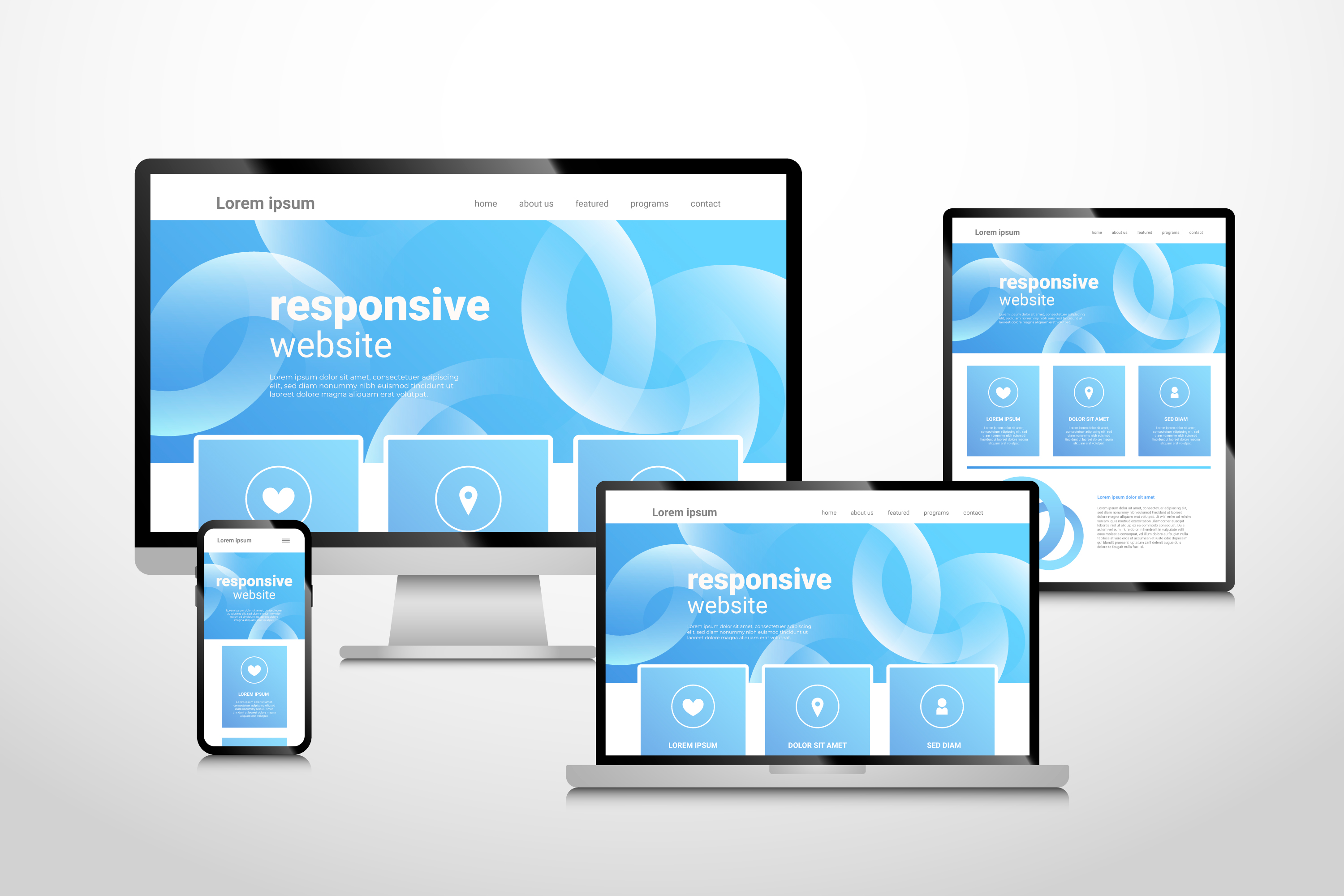
Mockups help designers visualize how the interface will appear across different platforms like mobile, tablet, and desktop. This consistency in visual elements such as icons, buttons, and navigation leads to an improved user experience and satisfaction across devices.
3. Evokes Emotional Connection
Designs that evoke emotion tend to build stronger user loyalty. Visual elements like color, typography, and images contribute to a user’s emotional response. Mockups allow designers to test and enhance these emotional triggers before finalizing the design.
4. Enhances Usability
Mockups enable designers to focus on key usability aspects such as button placement, text readability, and appropriate spacing. These refinements contribute to designing intuitive user interfaces that significantly improve user retention.
The Importance of Mockups in UI/UX Design Education
For aspiring UI/UX designers, understanding the value of mockups is crucial. Many UI/UX design programs emphasize the importance of mastering mockup creation. These programs provide students with the technical skills to develop visually compelling designs that are essential for industry success.
Proficiency in mockup creation tools, like Figma, Sketch, and Adobe XD, is indispensable in building a designer's portfolio. These tools are a core part of UI/UX design training and prepare students for real-world applications.
Advantages of Learning Mockup Creation in UI/UX Courses
- Practical Application: Courses often involve hands-on mockup projects that help students put theoretical knowledge into practice.
- Portfolio Development: Designing professional mockups enhances a student’s portfolio, which is essential for standing out in a competitive job market.
- Increased Employability: Designers proficient in visual representation often secure roles quicker, thanks to their ability to effectively communicate design concepts.
UI Responsive Devices Mockup_©freepik.com
Top Mockup Tools for UI/UX Designers
Selecting the right tool is essential to create high-quality mockups. Here are some popular options:
- Figma: A cloud-based platform that fosters team collaboration and supports detailed mockups with real-time feedback.
- Sketch: A widely-used application that excels in crafting pixel-perfect designs. It offers a vast library of plugins for increased flexibility.
- Adobe XD: This tool integrates wireframing, prototyping, and mockup creation, offering an all-in-one solution for designers.
Why Use Mockup Tools?
- Efficiency: These tools allow designers to rapidly iterate and refine their visual ideas.
- Collaboration: Most mockup tools promote seamless collaboration, enabling faster feedback and approvals.
- Scalability: They make it easy to adjust designs for different screen sizes, ensuring visual consistency across platforms.
Conclusion
Mockups are a cornerstone of the UI/UX design process. They enhance communication, minimize development errors, and refine the user experience. Whether you are an emerging designer or a seasoned professional, mastering mockup creation through UI/UX courses and certifications is essential. Developing expertise in tools like Figma, Sketch, and Adobe XD will not only improve your design process but also give you a competitive edge in the industry.
Looking to refine your UI/UX design skills? Our UI-UX Design Certification Course focuses on mockup creation for professional, user-friendly interfaces. Join now!
Visit the Kaarwan website for more insights!
FAQs
1. What constitutes mockups in UI/UX design?
Mockups serve as detailed, non-interactive snapshots of a design's visual composition. They display elements such as structure, text style, and chromatic choices, offering a glimpse into the envisioned final product to both teams and stakeholders.
2. Why are product mockups essential?
Mockups offer a tangible vision of the design, fostering constructive feedback before coding begins. They expose potential visual inconsistencies, streamline discussions with clients, and ensure cohesive understanding across teams regarding the end product.
3. How to craft a UI/UX mockup?
Creating a UI/UX mockup involves using specialized design tools such as Sketch, Figma, or Adobe XD. Start by refining your wireframe, then add visual elements like color schemes, typography, and imagery to depict the polished design.
4. How do mockups differ from design?
While mockups are static visual portrayals focusing on aesthetics, the term "design" encompasses the entire creation process, from conceptualizing user flows and interactivity to crafting the overall user experience.
5. What role does a UX mockup play in a project?
A UX mockup provides a visual reference for the interface, enabling feedback from stakeholders and validating the design. It also helps fine-tune the visual aspects, ensuring they are aligned with the project’s user experience goals.
6. What are the defining attributes of a mockup?
A mockup is static and meticulously detailed. It includes precise fonts, imagery, and a color palette, offering a near-realistic depiction of how the final product might appear.
7. Which tools are most effective for designing mockups?
Top-tier software for creating mockups includes Figma, Adobe XD, Sketch, and InVision. These platforms offer collaborative features, prototyping capabilities, and flexibility, allowing designers to produce high-fidelity mockups with ease.




